
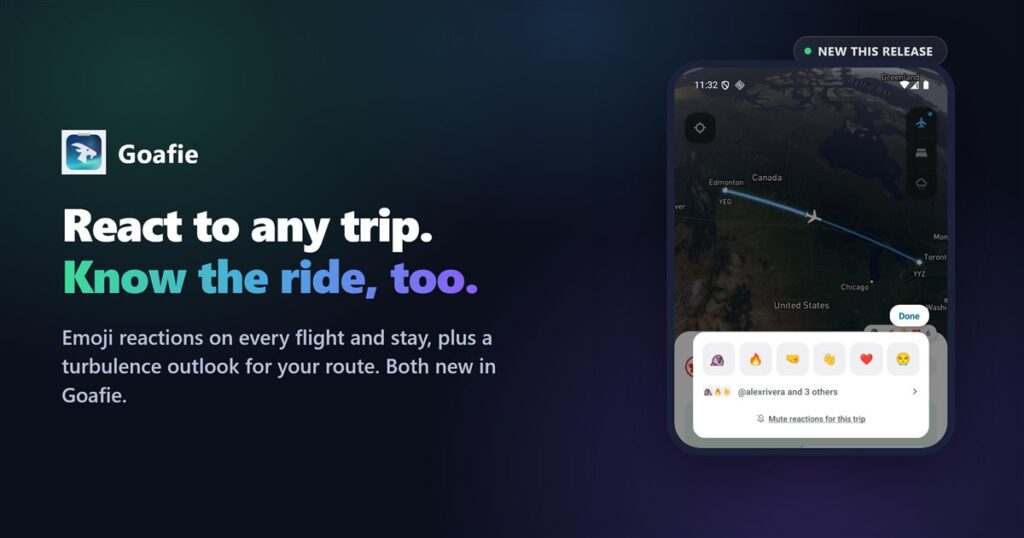
TL;DR: Two things landed in this release. Ride Quality shows the turbulence outlook for your flight, leg by leg. Reactions let friends drop an emoji on any trip you share, yours or theirs, party parrot included.
Know the ride before you board
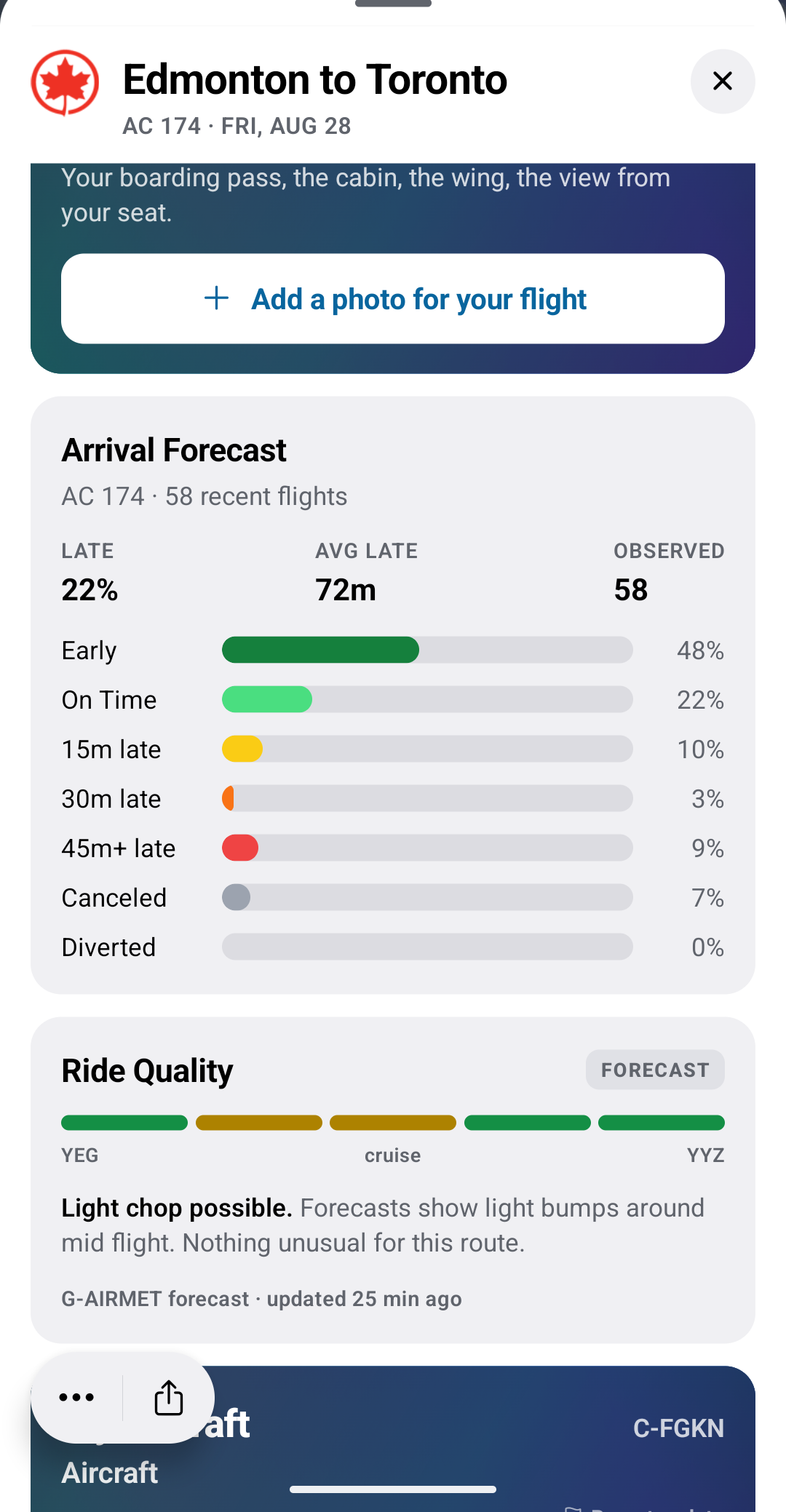
Open a flight inside 12 hours of departure and the Ride Quality card shows how the ride looks, split into five stretches from takeoff to landing. Each stretch is colored for what to expect: green for smooth, gold for light chop, orange for moderate, red for severe. A badge says whether you are looking at a forecast or something pilots are reporting right now, and the card always names its source, like “G-AIRMET forecast, updated 25 min ago” or “3 pilot reports, updated 6 min ago.”
It runs on data from NOAA’s Aviation Weather Center: G-AIRMET turbulence forecasts, worldwide SIGMET advisories, and PIREPs, the reports pilots file from the air. It is an outlook, not a promise, so the card sticks to plain language like “possible” and “reported” instead of a false-precision percentage. Either way, keep your seatbelt fastened whenever you are seated, same as the crew does.
React to any trip, yours or a friend’s
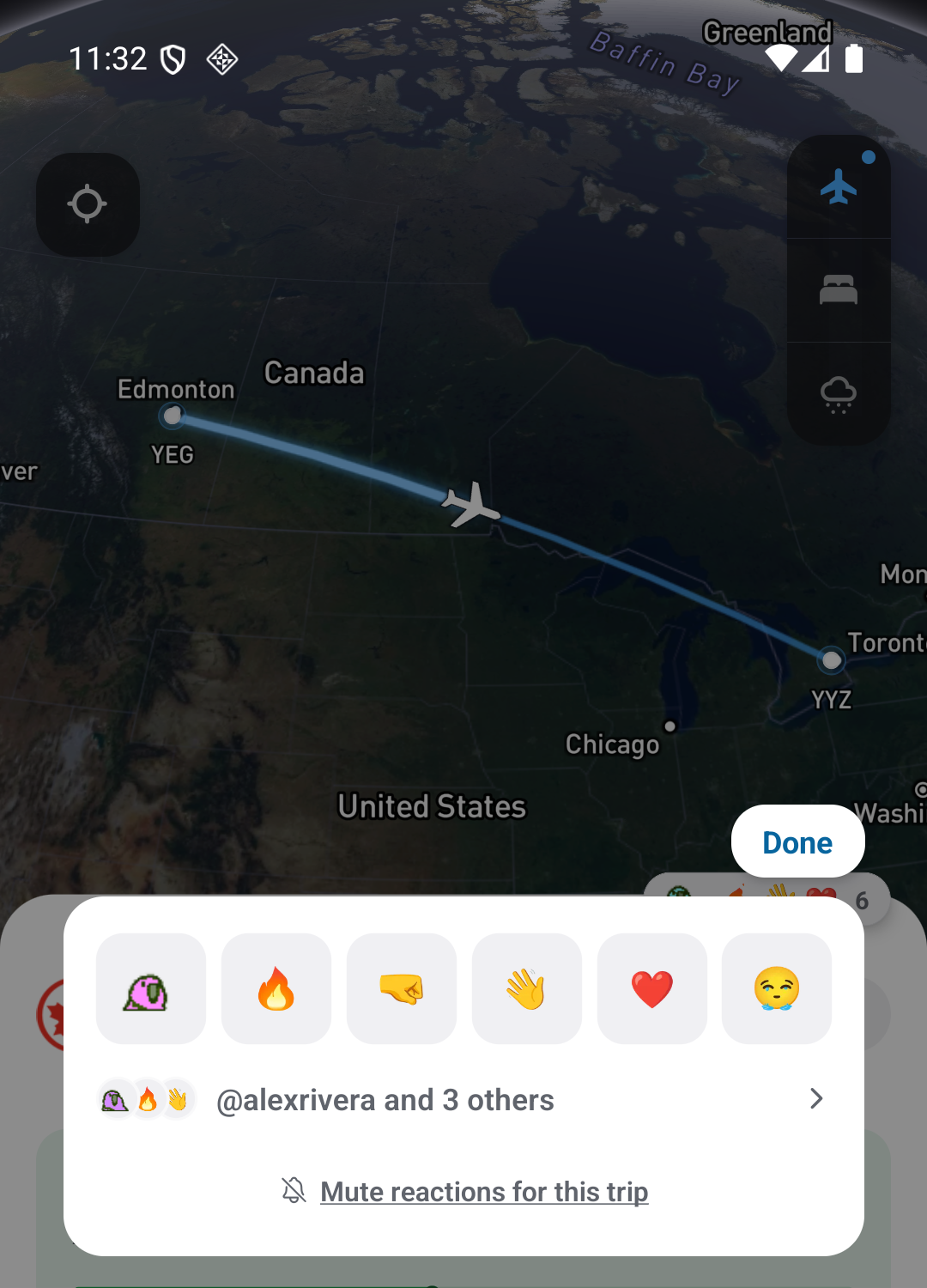
The second thing is a lot more fun. Every flight and hotel stay now has a reaction bubble, tucked in the corner of the detail screen. Tap it and six reactions are waiting: the original party parrot, fire, fist bump, wave, love, and a good cry. Drop one on your own trip or a friend’s, and everyone can see who reacted and with what, LinkedIn-style: “@alexrivera and 3 others.”
Reacting to a friend’s trip is part of the point. If someone you know is heading somewhere or checking into a hotel, a reaction is a faster way to say “have fun” than a text. Trip owners get a notification when someone reacts, and that is entirely up to you: mute it for one trip from the reaction popup itself, or turn reaction notifications off account-wide in Settings.
One more small thing landed alongside this: if a friend is on the same flight or staying at the same hotel as someone else you know, Goafie now points that out on their trip too, not just your own. Small, but it makes a shared trip feel shared.
Frequently asked questions
How do I check turbulence for my flight?
Add your flight to Goafie by flight number or route. Within 12 hours of departure, open the flight and the Ride Quality card appears with a leg by leg outlook.
Where does Goafie’s turbulence data come from?
NOAA’s Aviation Weather Center: G-AIRMET turbulence forecasts, worldwide SIGMET advisories, and PIREPs, the reports pilots file from the air.
Can I react to a friend’s flight or hotel stay in Goafie?
Yes. Reactions work on any trip you can see, your own or a friend’s, not just the ones you added yourself.
How do I stop reaction notifications?
Mute a single trip from its reaction popup, or turn off reaction notifications entirely in Settings if you would rather not get them at all.
Both are live now on iOS and Android. Add a flight or a friend at goafie.com.